TK Punk Gold Controls Guide
Keyboard, mouse, and community gamepad expectations for Hanport City.
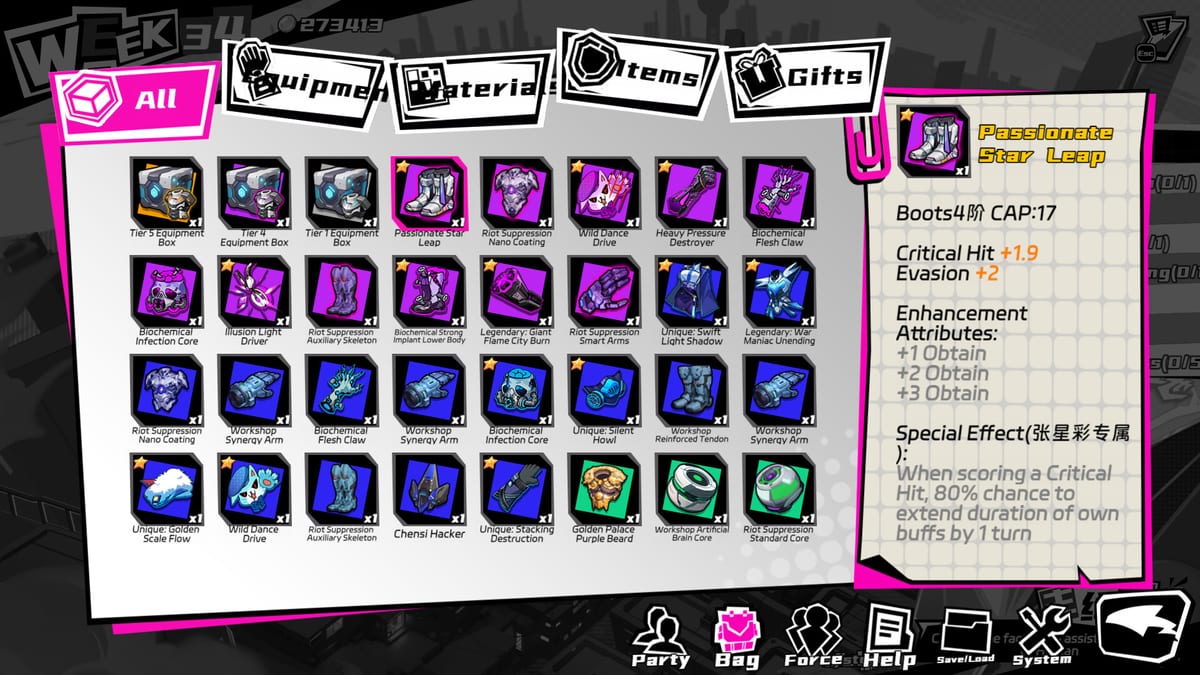
TK Punk Gold ships on Steam for Windows as a keyboard-and-mouse PC title. The raising sim layer—Gold Bar shifts, weekly mobility, bond scenes, prosthetic research—leans on menus and dialogue that assume a mouse cursor. Turn-based commissions add another input layer: target selection, skill confirmation, and turn order. This guide sets realistic expectations for day-one controls, explains where the demo playthrough on this page helps, and documents what the community is asking for without treating wishlist items as confirmed official features.
If you have never opened the game, pair this page with Getting Started for narrative context and How to Play TK Punk Gold for decision order. Combat execution details live in the Combat Guide; this page is about how you physically drive the client.
Keyboard-first PC expectations
Steam’s store positioning targets Windows players with a traditional PC control scheme. In practice that means:
- Mouse for navigating bar management UI, inventory-style prosthetic trees, companion hangout choices, and gallery-adjacent presentation.
- Keyboard for confirming prompts, advancing dialogue where hotkeys exist, and any combat shortcuts the client exposes in the key rebinding screen (if present—verify in Settings after install).
Raising sim veterans should expect more clicking than a pure JRPG with full gamepad-first UX. Visual-novel readers should expect occasional combat menus that reward deliberate confirmation rather than mash-through speed. Neither genre is wrong for TK Punk Gold; the hybrid just means you should not assume every screen shares identical input grammar.
Mouse UI habits that save weeks
Because fifty weeks of mobility are scarce, slow UI is a hidden tax. Build these habits early:
- Right-click or back equivalents — learn how each nested menu returns to the week map without mis-clicking an expensive action.
- Confirm before spend — attribute training, research nodes, and bond scenes often cost AP; treat double-clicks as dangerous.
- Combat target discipline — mis-clicks on allies during Cyber Frenzy pressure can turn a winnable commission into a retry week. See How to Beat Commissions for prep that reduces panic clicking.
- Resolution scaling — if UI text feels tiny at 1440p or 4K, adjust Windows display scaling or in-game options before blaming your eyes. Community threads frequently mention 2K/4K readability; note your settings in Bugs and Feedback if something breaks layout.
What the Demo #1 video shows
The embedded playthrough (Demo #1, community creator 蒔柒喵) is useful for feel, not for a final key list. Watch it to see how early weeks chain bar work, commissions, and menu flow before you commit a full purchase. It complements Getting Started’s different embedded video—this one emphasises demo pacing and control loop rather than launch-day tutorial beats alone.
Do not treat demo bindings as guaranteed identical to the August 6, 2026 retail build. Demos sometimes lag behind rebinding patches. Always verify in your own Settings menu after Patch Notes mention input changes.
Gamepad support: community requests vs official status
Post-launch discussion often asks for PlayStation and Xbox controller support comparable to other Steam raising sims. As of early community reporting after release, treat full native gamepad parity as requested, not confirmed unless Steam patch notes explicitly add it. Players migrating from console-first titles should plan on keyboard-and-mouse for the first clear unless they verify controller glyphs in-game.
If you experiment with Steam Input or third-party mappers, document what works in the Steam bug collection thread linked from Bugs and Feedback. The wiki will not publish fake “official gamepad patch 1.0.3” timelines.
Steam Deck and handheld Windows
Valve’s Deck compatibility badge and real-world performance can diverge. TK Punk Gold is not marketed here as a Deck-first title. Handheld players should expect:
- Small-screen menu density in bar and research trees
- Touchpad-as-mouse friction during combat target selection
- Battery drain during long reading sessions with Live2D presentation
Check System Requirements for baseline Windows specs, then test a short session before importing a fifty-week save ambition onto a handheld.
Accessibility and comfort tips
Without inventing hidden accessibility menus, these PC habits help many players:
- Rebind where allowed — reduce pinky strain on confirm keys used hundreds of times per run.
- Text speed — if dialogue auto-advance exists, slow it during faction choices you must log for Faction Routes.
- Colour and contrast — cyberpunk neon UI can fatigue eyes; adjust brightness and room lighting for long bond-reading nights.
- Session breaks — the fifty-week clock is psychological pressure; physical breaks reduce mis-input during commissions.
- Language UI — English interface and subtitles are supported at full launch; audio language options differ by locale. See Languages before assuming dub parity.
Controls linked to other systems
- Weekly AP spending ties to Attribute Training menus—know which screens actually consume mobility.
- Near-death Cyber Frenzy moments reward calm inputs; read Cyber Frenzy Guide for combat pacing, not button mashing.
- Route planning still happens in dialogue boxes—controls do not replace Endings Guide discipline.
Related pages
How to Play TK Punk Gold, Combat Guide, Time Management, Guides Hub, Review Hub, Updates Hub, Launch Sale.
Master the input layer once and TK Punk Gold’s real challenge returns to the calendar—not the mouse.
Frequently Asked Questions
Quick answers for Hanport City survivors.
Is TK Punk Gold playable with a gamepad on PC?
Plan on keyboard-and-mouse unless you verify in-game controller support after install. Community requests for PS/Xbox parity are common but not treated here as confirmed features.
Which guide video shows demo controls feel?
This Controls page embeds a Demo #1 playthrough so you can watch menu pacing and early loop decisions. Getting Started embeds a different Demo #2 video for day-one orientation.
Why do players mention 2K and 4K with controls?
Higher resolutions can shrink UI hit targets. Adjust scaling or in-game options and report layout bugs via the Steam feedback thread linked on Bugs and Feedback.
Does Steam Deck work out of the box?
Treat Deck as untested comfort unless you verify yourself. Expect mouse-heavy menus and test before committing a long save.
Where do I report input or UI bugs?
Use the community bug collection path on Bugs and Feedback rather than guessing patch numbers on this wiki.